
Touch Your Heart
All Questions
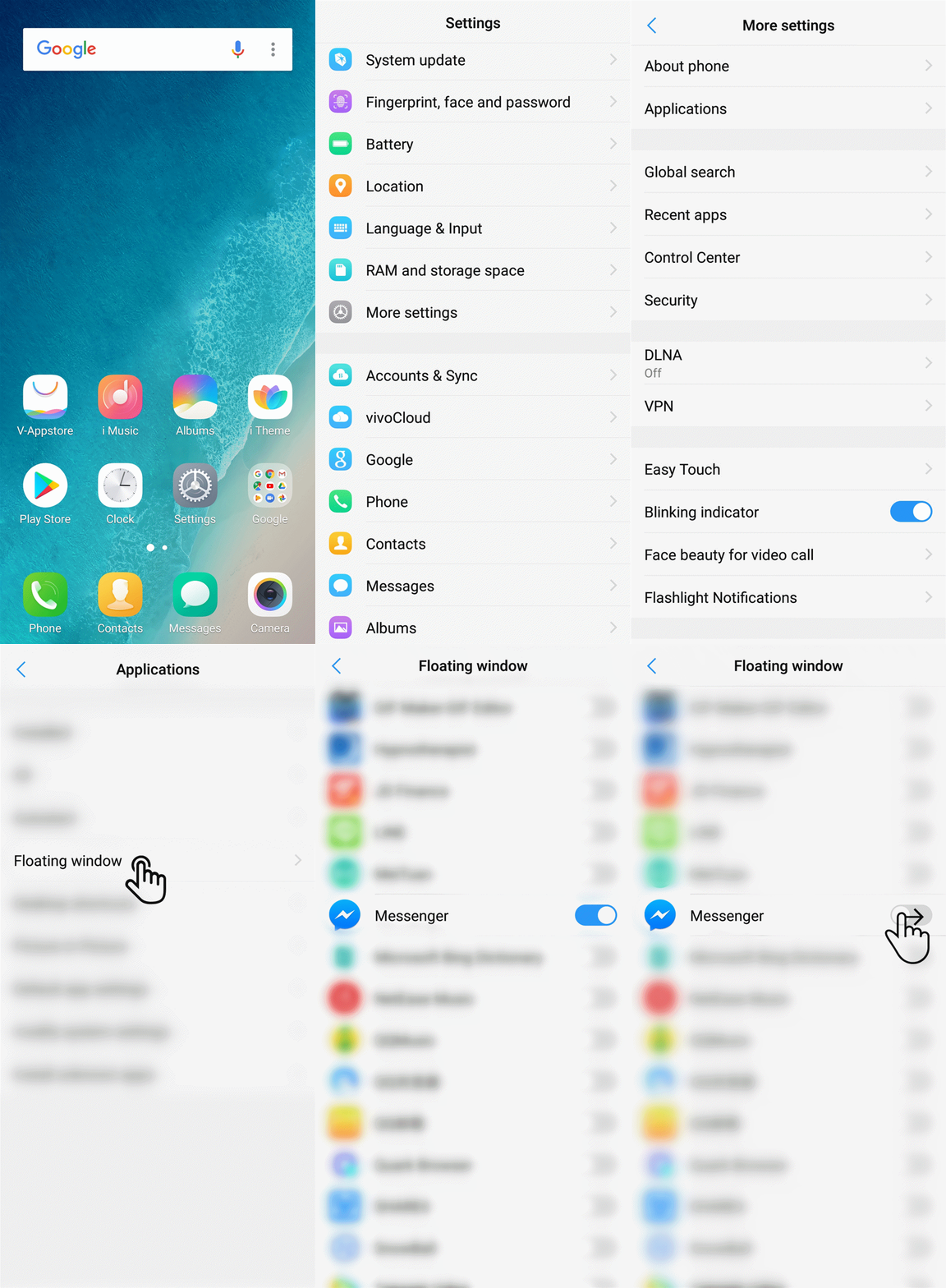
For Funtouch OS 3.0 and higher version, you can go to Settings>More settings>Permission management(Applications)>Floating window to turn on/off the floating window of your apps.
For the version below Funtouch OS 3.0, you can go to i Manager>App manager>Floating window management to turn on/off the floating window of your apps.
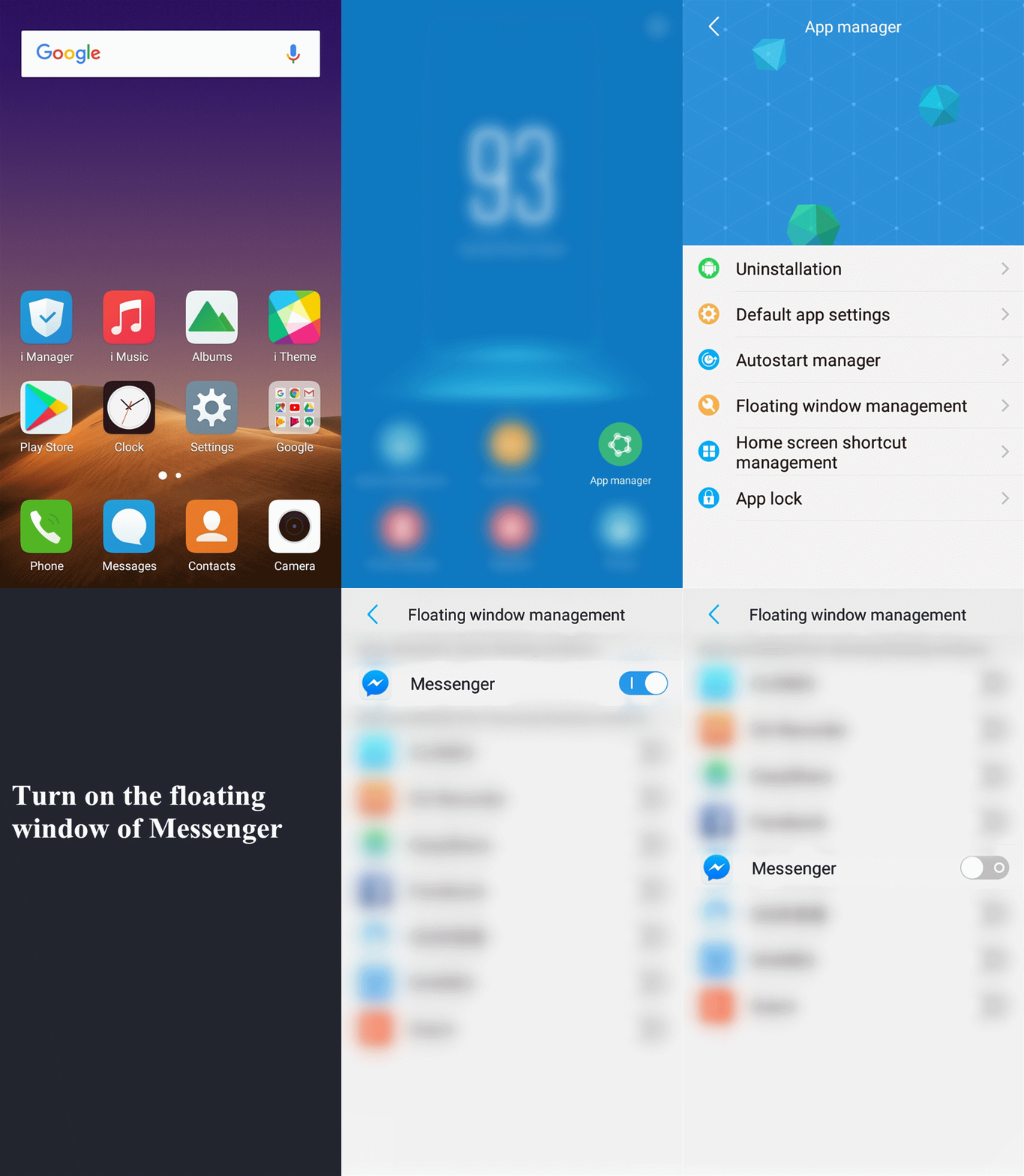
Warmly Tips: If there is the relevant option in the apps, you can turn it on/off to enable or disable the Floating window feature directly.
Please don`t worry, follow these steps for a try:
1. If you download them from Browser or your friends, turn on Install unknown apps in Settings, then install them for a try;
2. Make sure the available space of your phone is sufficient;
3. Download & install the apps from Play Store or V-Appstore, then try again;
4. Input *#*#001#*#* on the dail pad to check the number of is_root. If it is 1, please flash the firmware to recover your phone, then try again.
If above measures are not effective, please feel free to contact us.
Please don`t worry, you can follow these steps to fix it:
1. Disable automatic updates of Play Store and V-Appstore;
2. If it still happens, check which app the downloading notification is from, then uninstall the app;
3. Use i Manager or download the third-party antivirus apps such as AVG AntiVirus FREE for Android to scan virus;
4. Head to Settings>More settings>Backup & Reset>Erase all data. It will delete data on your phone. Please back up your important data before doing it;
If the above measures do not work, please flash the firmware to fix it.
For Funtouch OS 3.0 and higher version, you can go to Settings>More settings>Permission management(Applications)>Default app settings>Browser to change the default browser.

For Funtouch OS 2.6 and lower version, you can go to i Manager>App manager>Default app settings>Default Internet browser to change the default browser.

For Funtouch OS 3.0 and higher version, you can go to Settings>More settings>Permission management(Applications)>Default app settings to change the default apps.

For Funtouch OS 2.6 and lower version, you can go to i Manager>App manager>Default app settings to change the default apps.

Please don`t worry, here are some helpful methods for you:
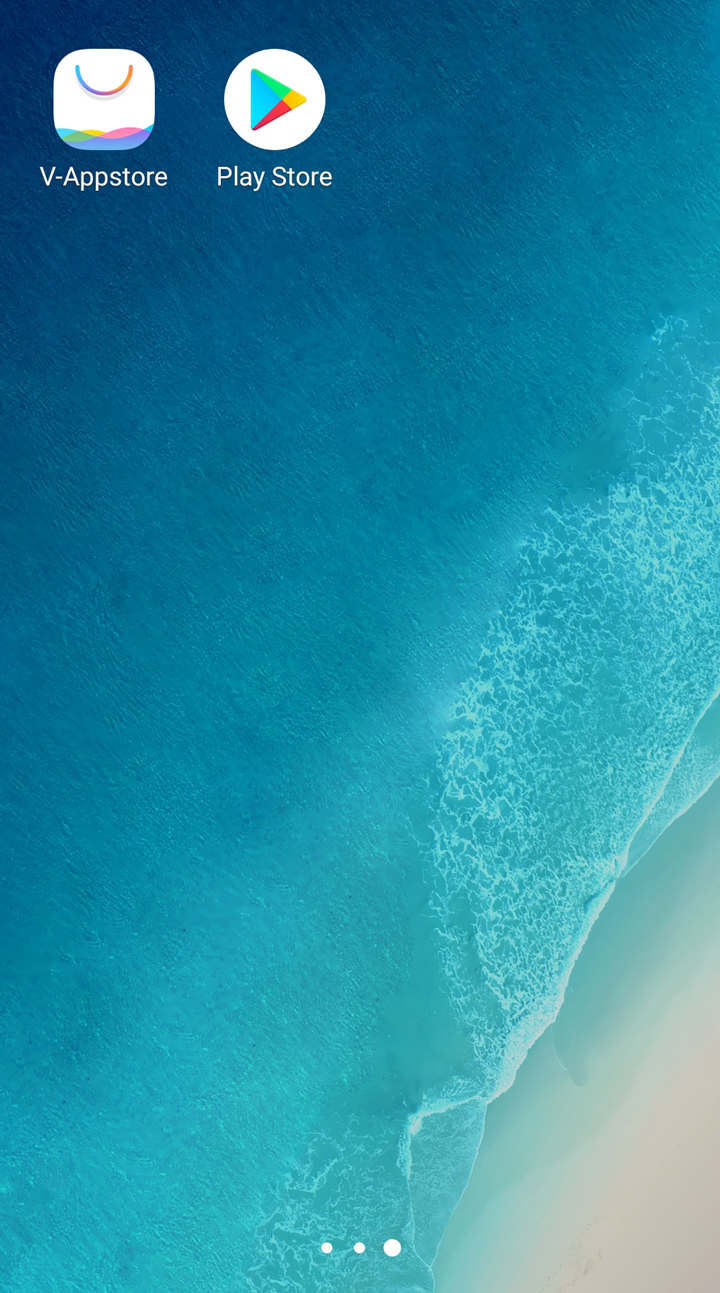
1. Go to Play Store or V-Appstore to upgrade them to the latest version;
2. Clear the dataof the apps;
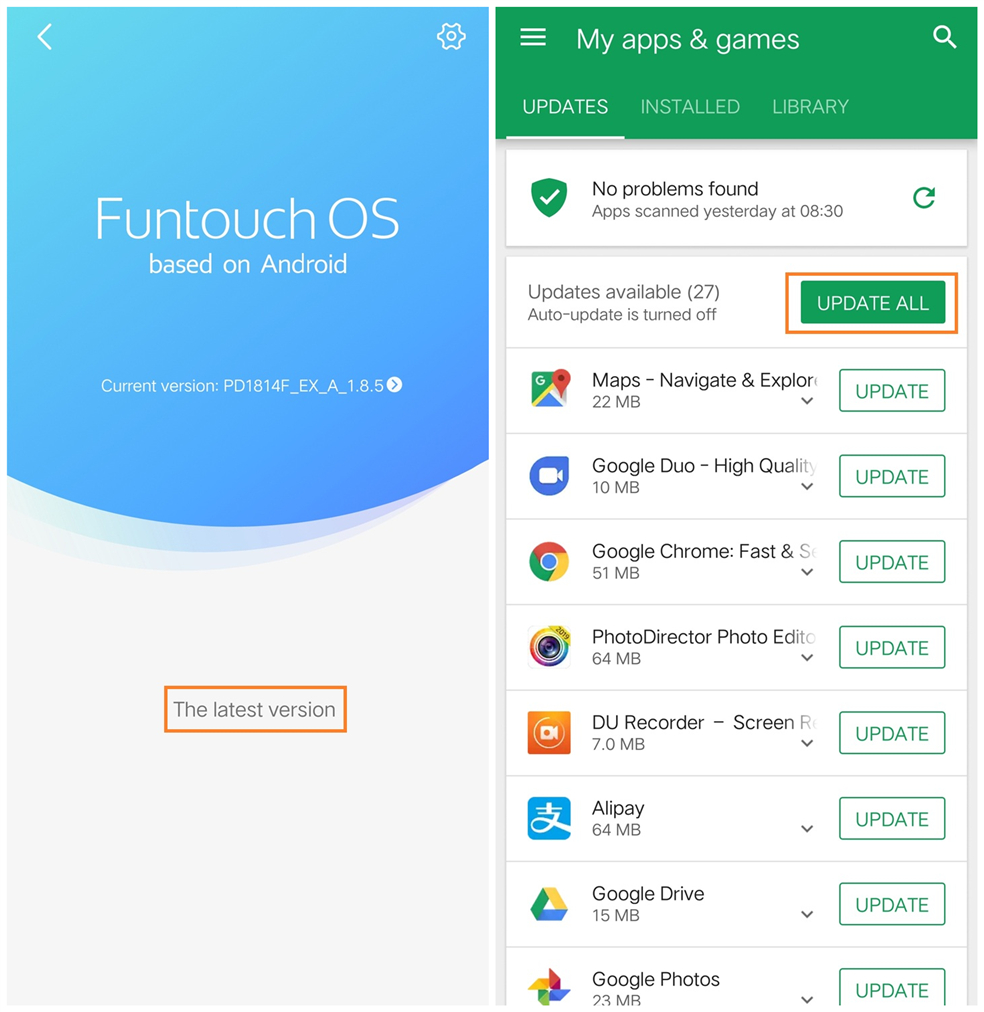
3. Update your phone and the apps to the latest version;
4. Uninstall them, then install them again;
5. Try to install the old version app.
6. Enter Settings>More settings>Backup and reset>Reset(Restore) all settings. Don`t worry, no data or media will be deleted.
If the issue still exists, please feel free to contact us.
If the app you plan to install is not tested by us and Google, or we find it is the illegal software, this warning notification will appear when you install it. Considering your privacy and security,we recommend you download & install the apps from V-Appstore or Play Store.
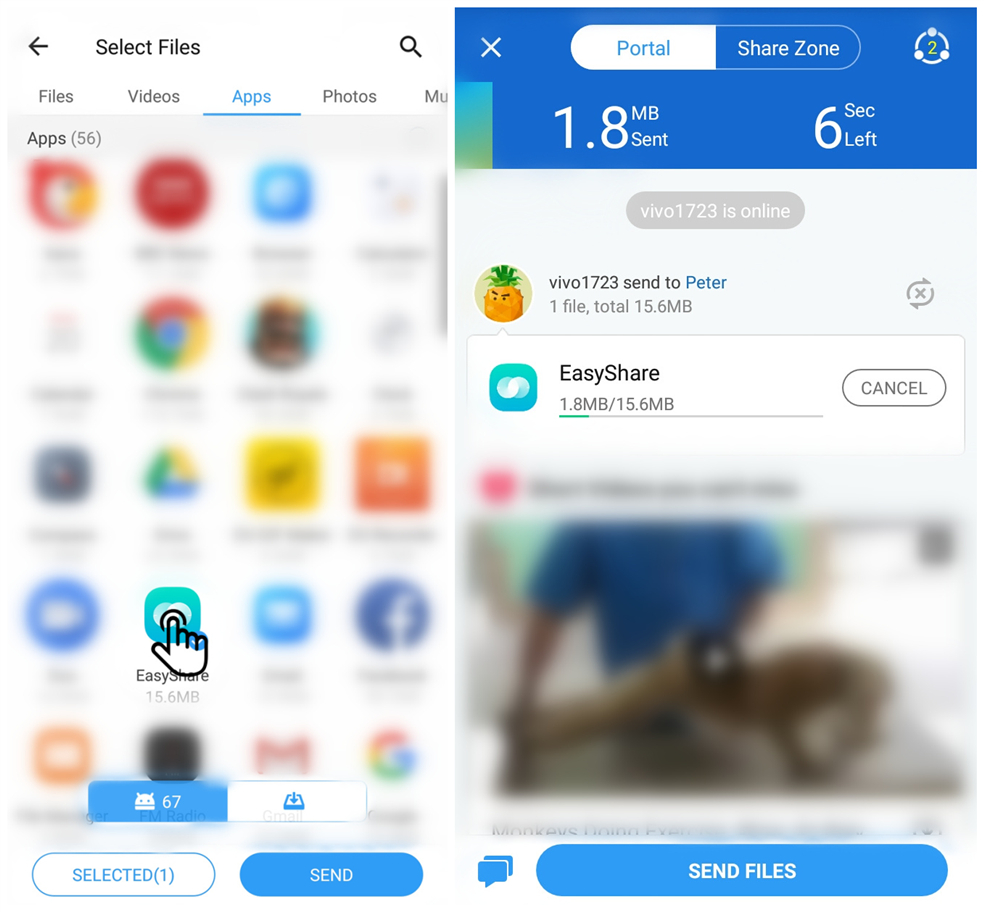
You can use Easyshare or Shareit to share the apps with other phones, then you can find the apk files of these apps in these phones.
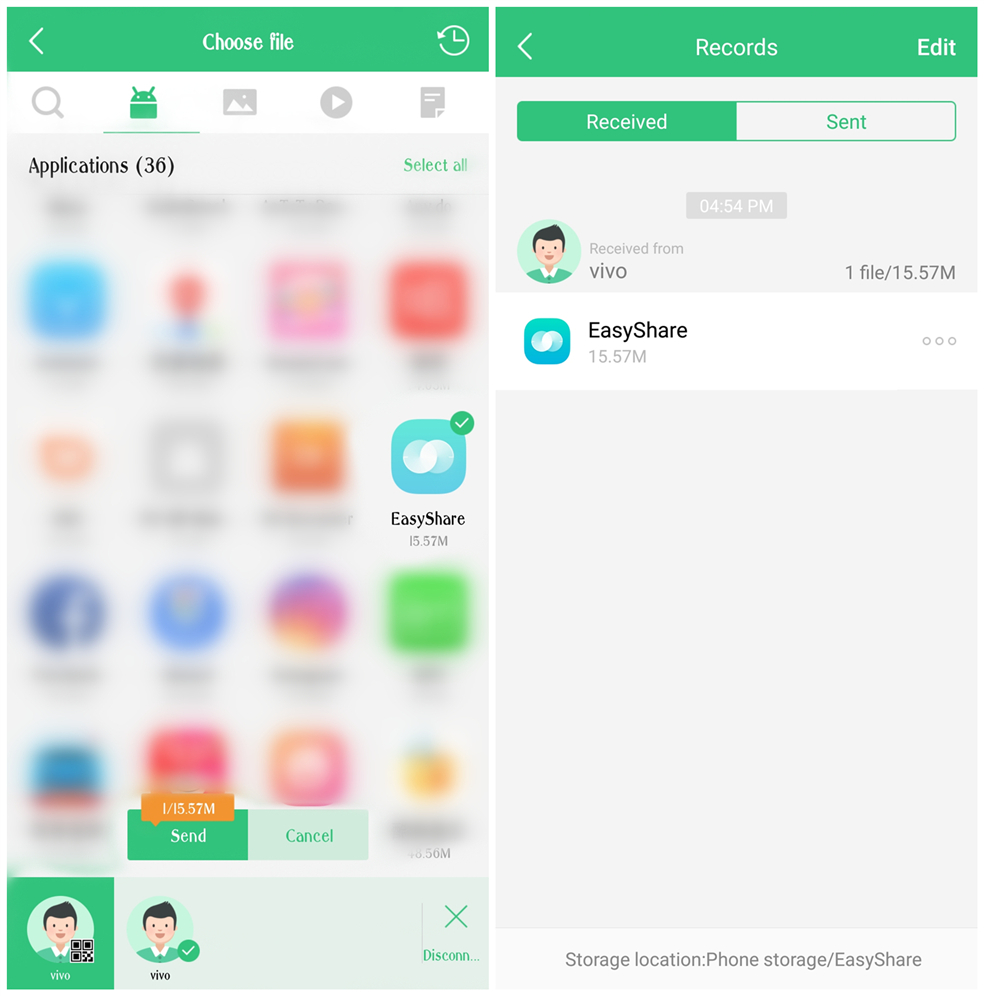
Warmly Tips: Some built-in apps cannot be exported via Easyshare. However, you can export them through Shareit.
Please don`t worry, here are some helpful methods for you:
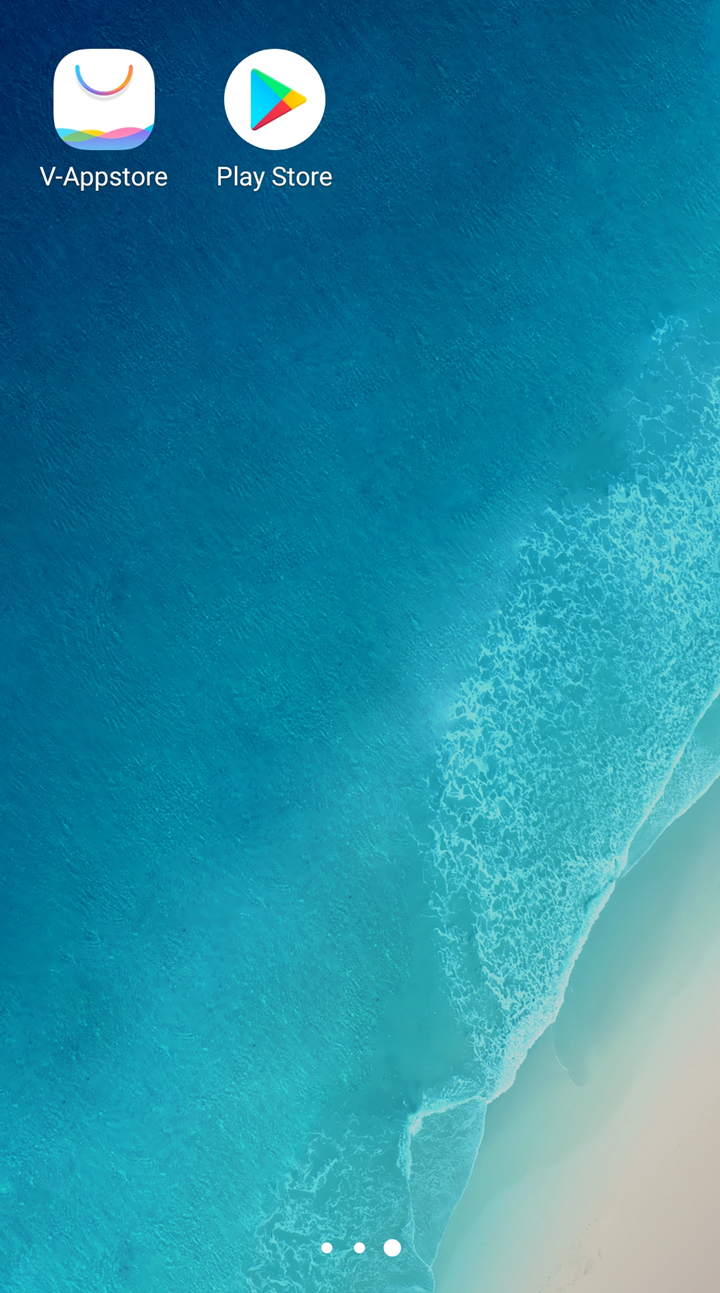
1. Make sure the game or app is downloaded from official channels such as the official website,Play Store or V-Appstore;
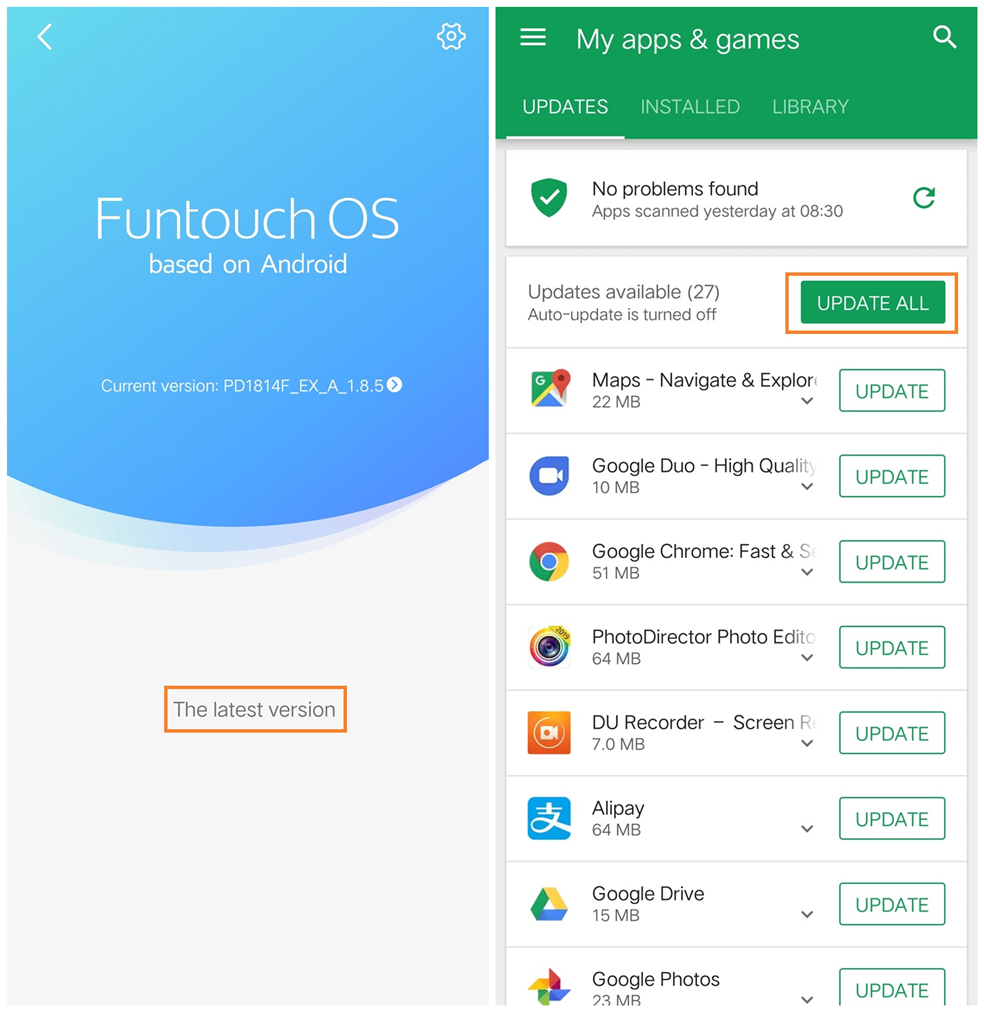
2. Update your phone and the app or game to the latest version;
3. Clear the data of the game or app;
4. Remove the app or game, then reinstall it;
5. Try to install the old version app.
If above measures are not effective, please feel free to contact us.
1. Make sure the game or app is downloaded from official channels such as the official website,Play Store or V-Appstore;
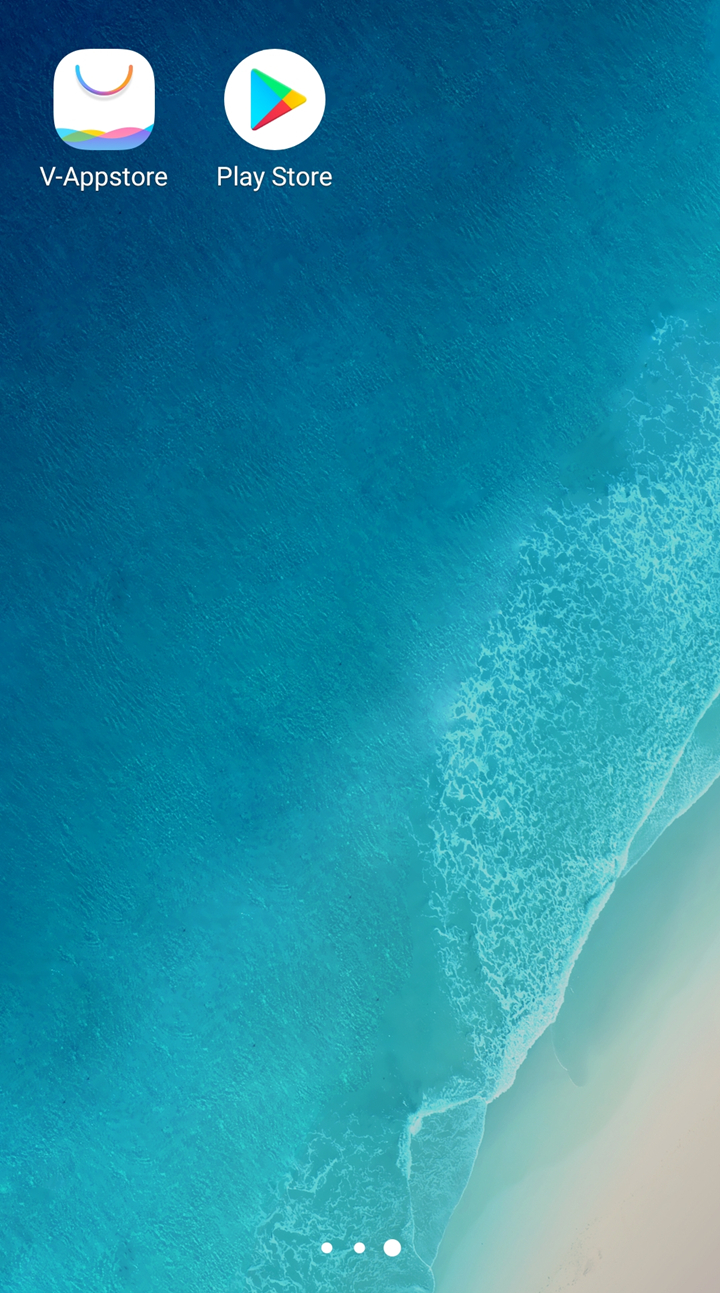
2. Update your phone and the app or game to the latest version;
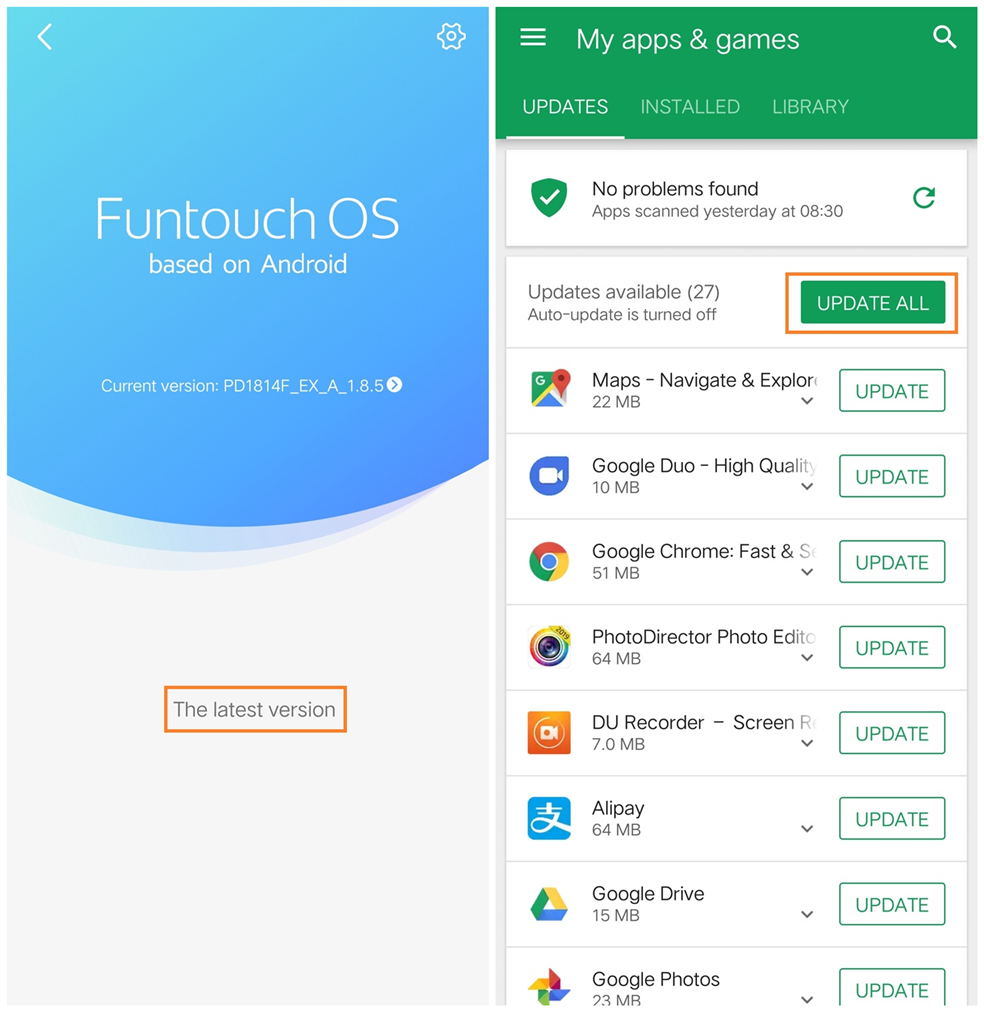
3. Clear the data of the app or game;
4. Remove the app or game, then reinstall it;
5. Try to install the old version app.
If above measures are not effective, please feel free to contact us.